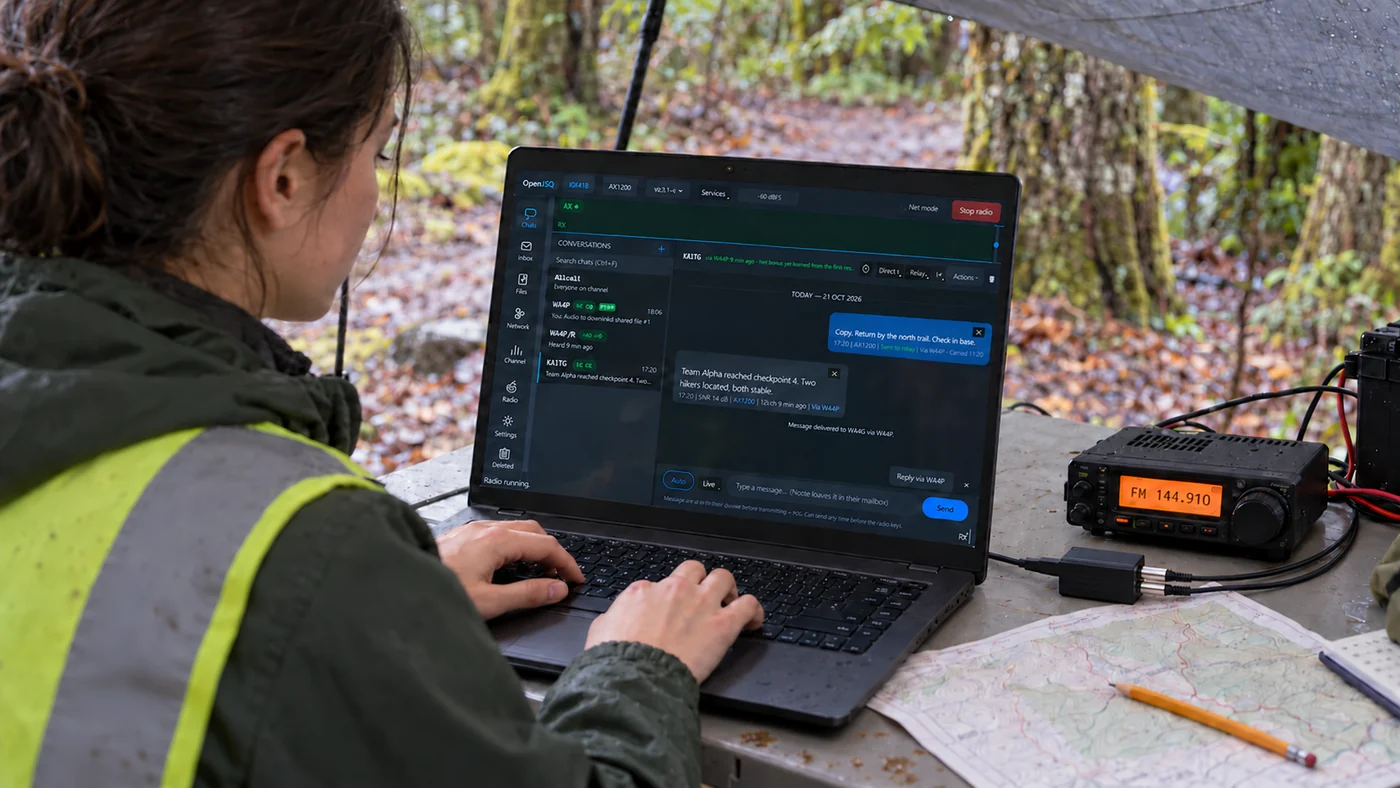
chats
Start a conversation.
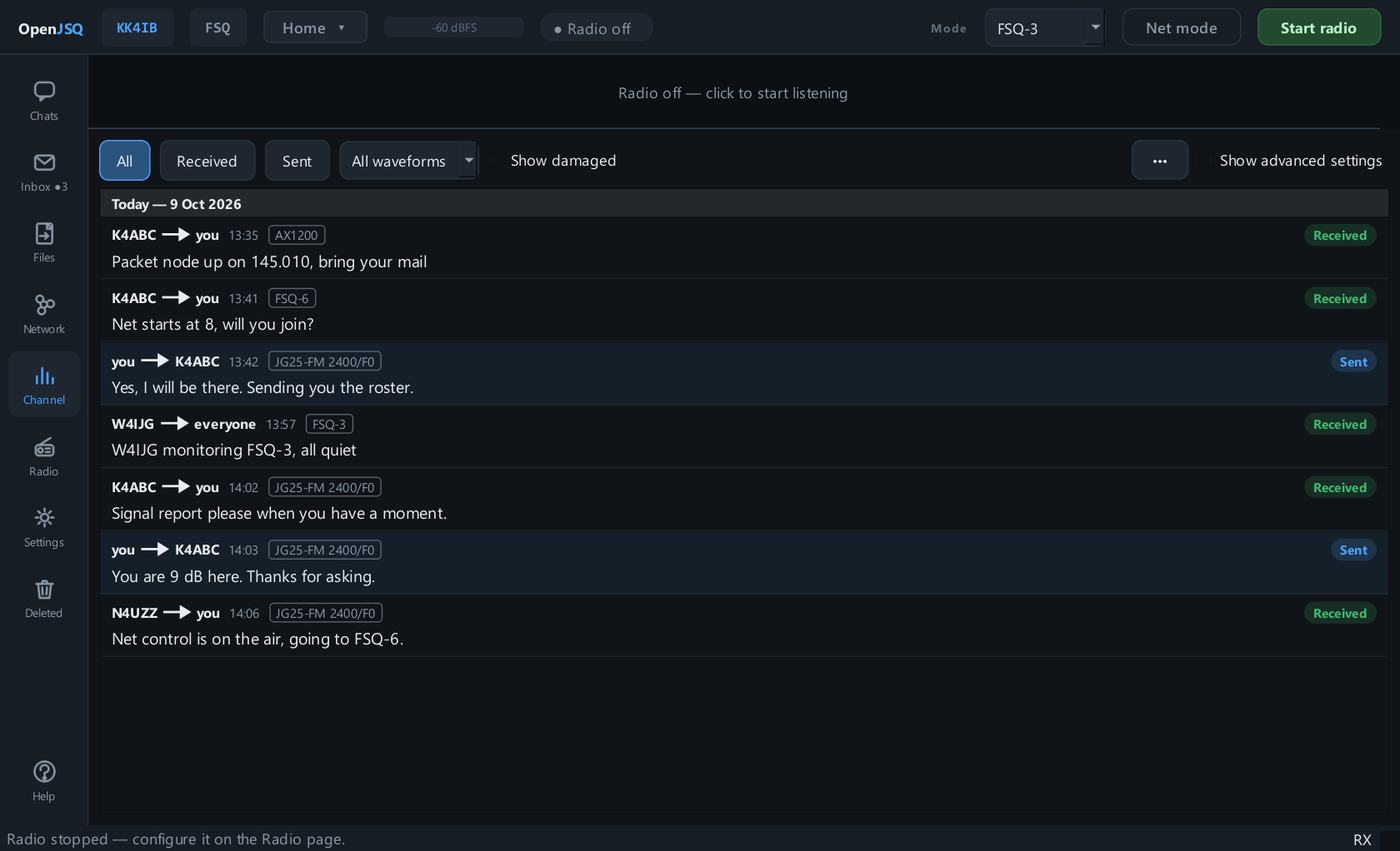
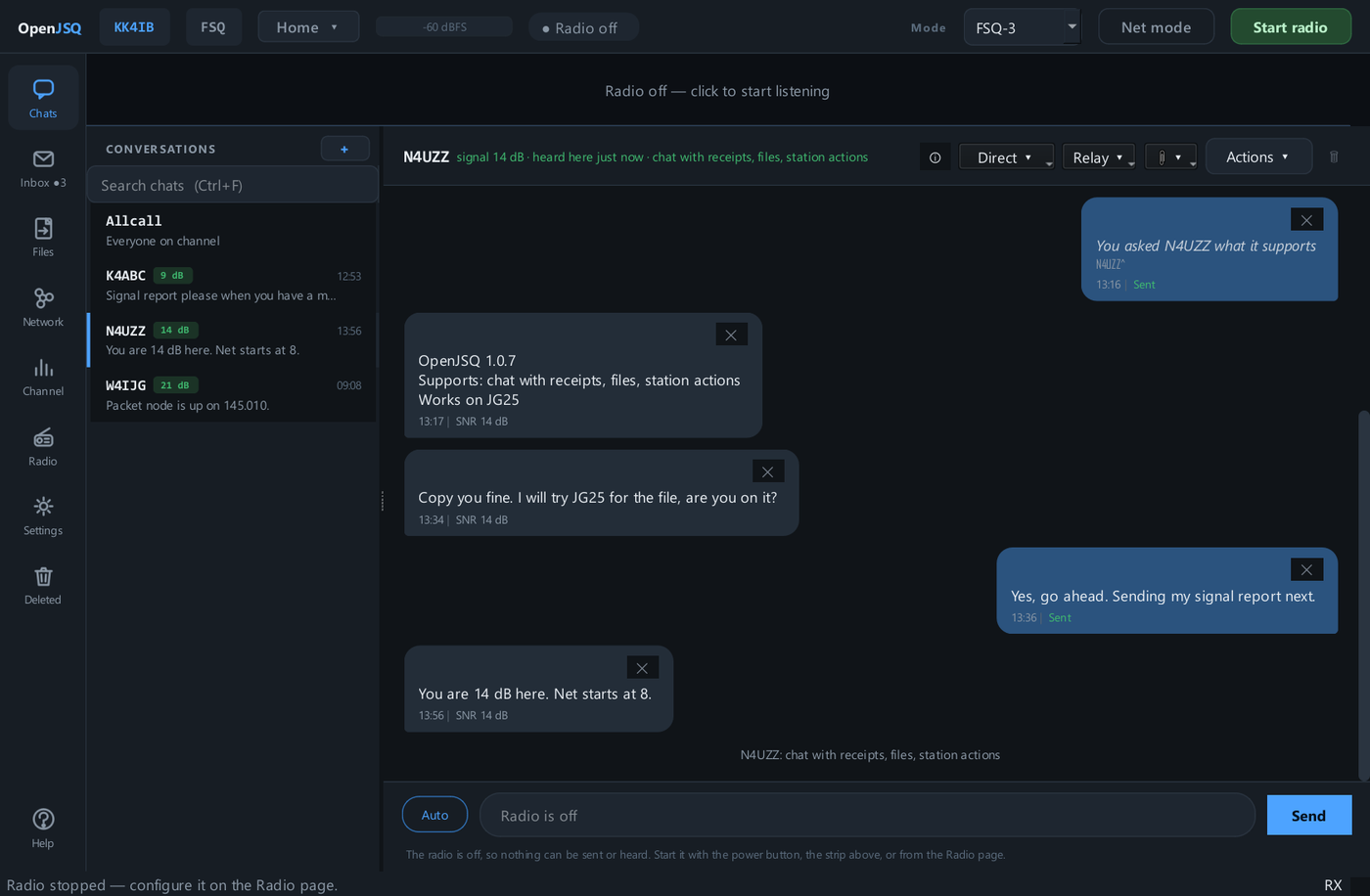
Choose a station, Allcall, or a group, then compose your message. The status beneath it shows the available delivery evidence.
Controls and operating notes
- Choose a conversationSelect a station, Allcall or a group you have joined. Packet stations are listed by their full call, SSID included: W4IJG-1 and W4IJG-2 are separate conversations.
- Send and watchUse Send, then read the status beneath your message. Verified packet chat adds acknowledgements and retries for supported direct exchanges.
- See the cost before SendPacket chat shows the bytes, packet count, delivery mode, and estimated airtime beneath the message box. An FSQ message too long for one transmission is refused with an explanation before it goes out.
- Keep radio context closeThe modem and signal evidence stay beside your messages.
Automatic station actions
Stations that work together, unattended.
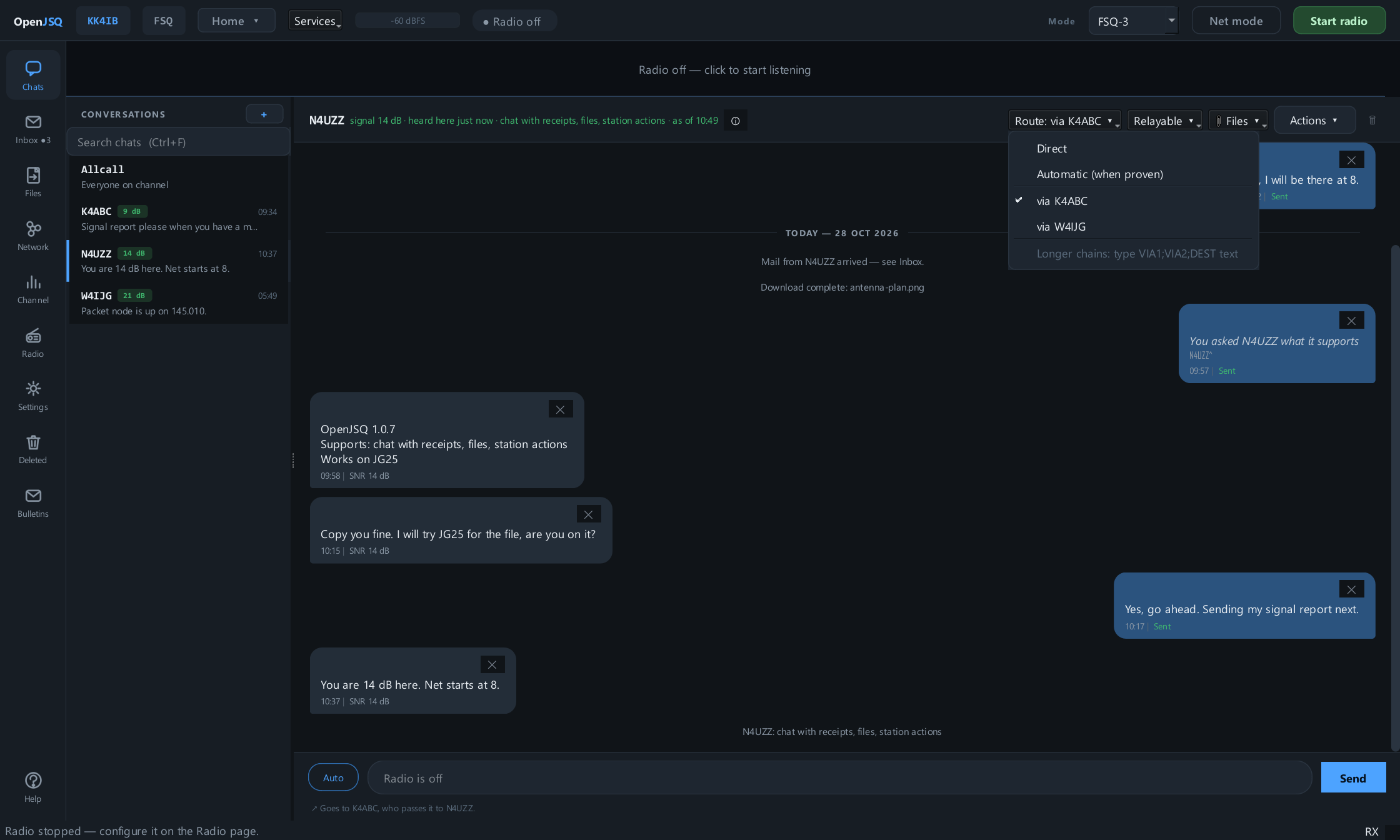
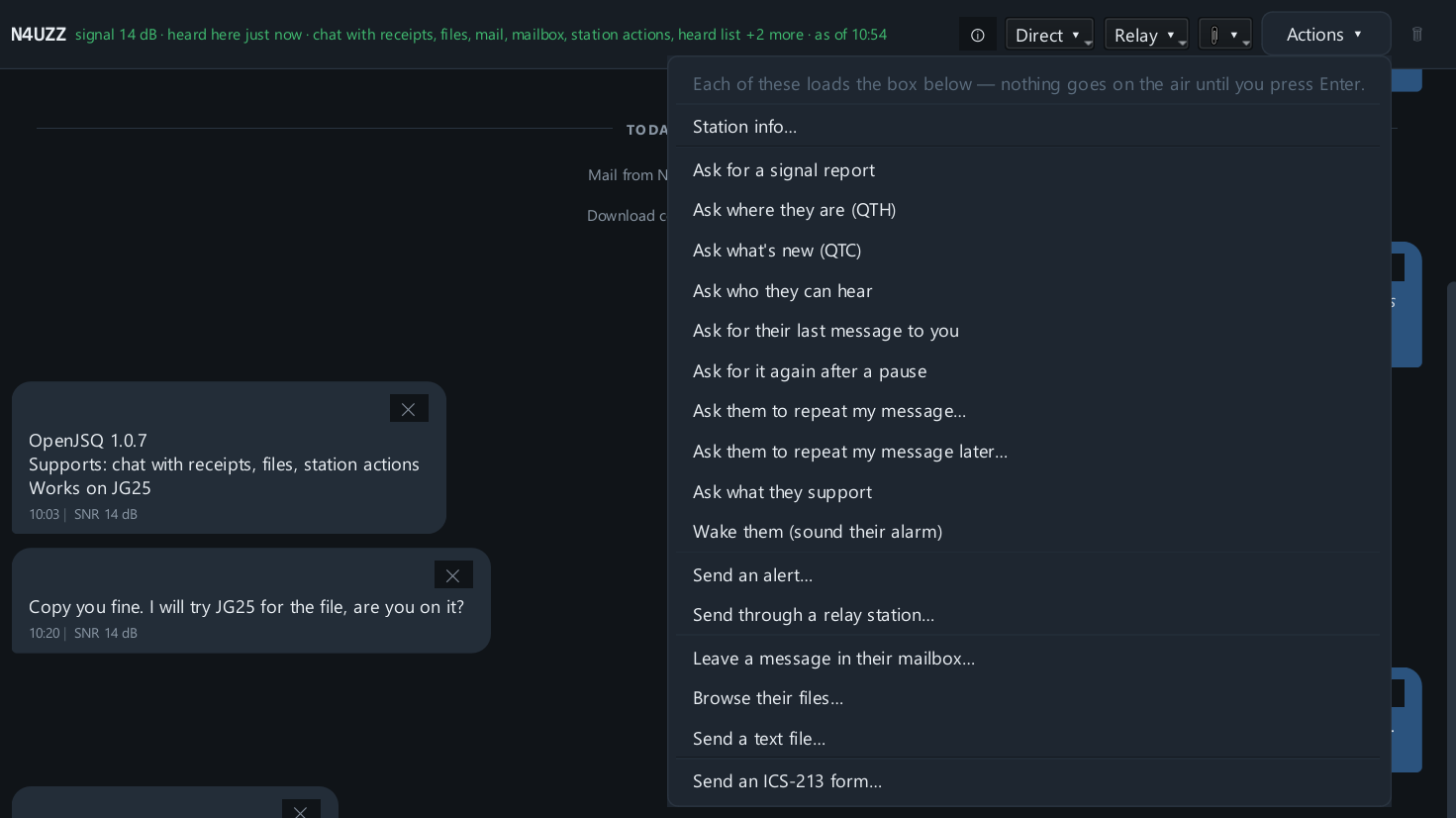
In a station's chat, open Actions, choose a request, then press Enter to send it. If the other station is on air and permits the action, it can handle the request without its operator typing a reply.
Explore a station action
A station that works with yours.
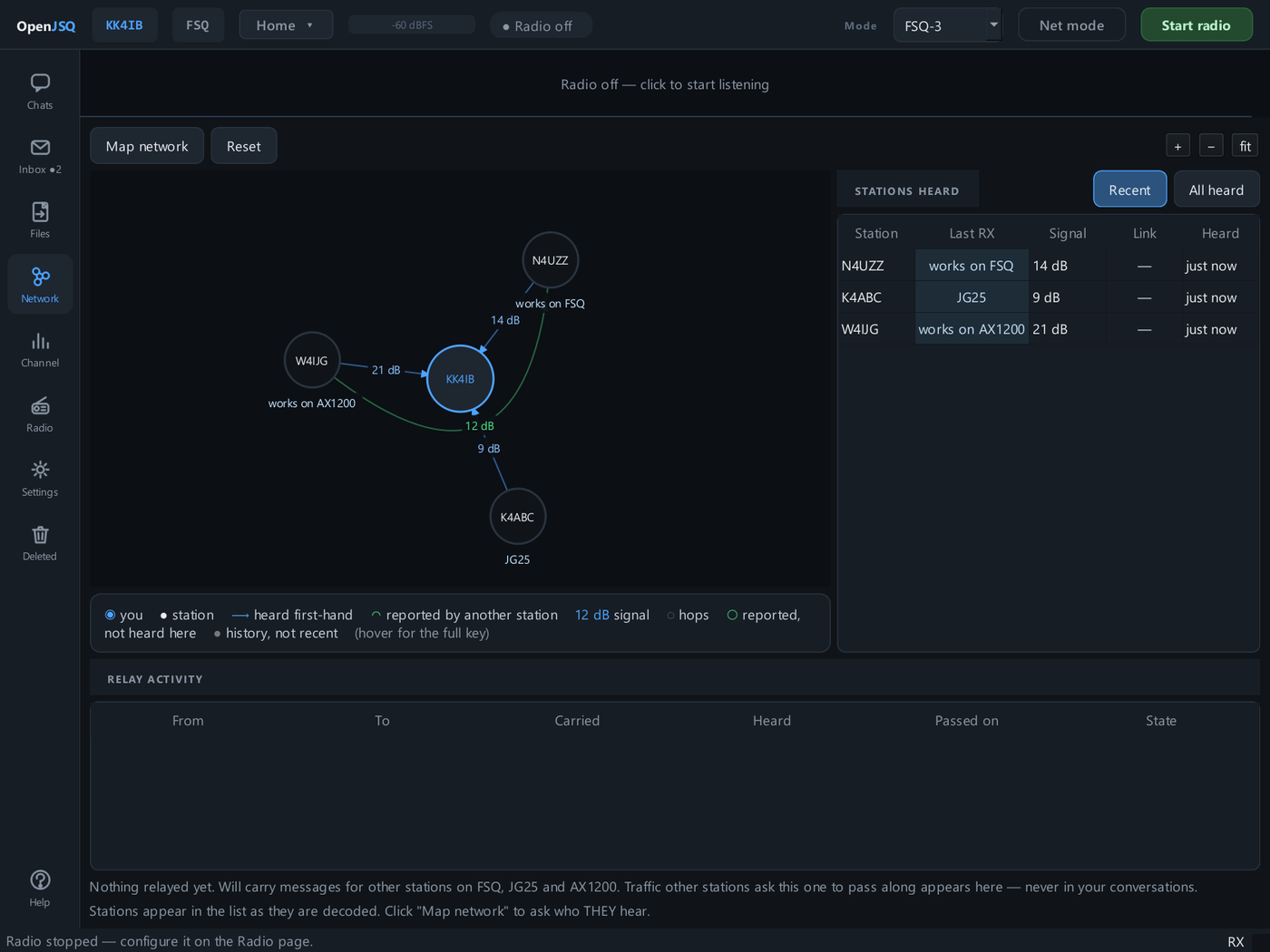
Who can you hear?
W4IJG, 2m ago, 12 dB K4ABC, 5m ago, -3 dB
W4IJG checking in.
W4AP shares its heard list, revealing observations beyond your own receiver.
Discover the network
Get station information
Ask for help
Station info opens a local card without transmitting. The menu also opens mail, relay, file, and form services shown elsewhere in this tour. Actions and automatic answers in the operator guide →
Groups · for a club, net, or field team
One shared destination.
One conversation.
Use a name such as @CLUB to address the group rather than each operator separately. A group is a local subscription to a shared address; no central membership server is required.
Send to the group
KK4IB
One message.
One group address.
N4UZZ
Subscribed to @CLUBIn this station’s @CLUB conversation
K4ABC
Subscribed to @CLUBIn this station’s @CLUB conversation
Any member can reply to @CLUB. Each station keeps its own group conversation. No central membership server is needed.
- Agree on a name and radio channel. Members need a usable radio path. They do not need matching transmit modes: each recipient needs an enabled receiver that can decode the sender.
- Join locally. In Chats, use New conversation and enter
@CLUB; opening it also joins it. Or add the name in Settings → Chats & groups → Subscribed groups. One subscription list serves every waveform. - Send to the group. Subscribed stations that decode the transmission see it in that group’s conversation. Other members can answer there using their selected transmit waveform. Audio multi-receive can hear enabled waveforms; a KISS-only link receives AX1200 only.
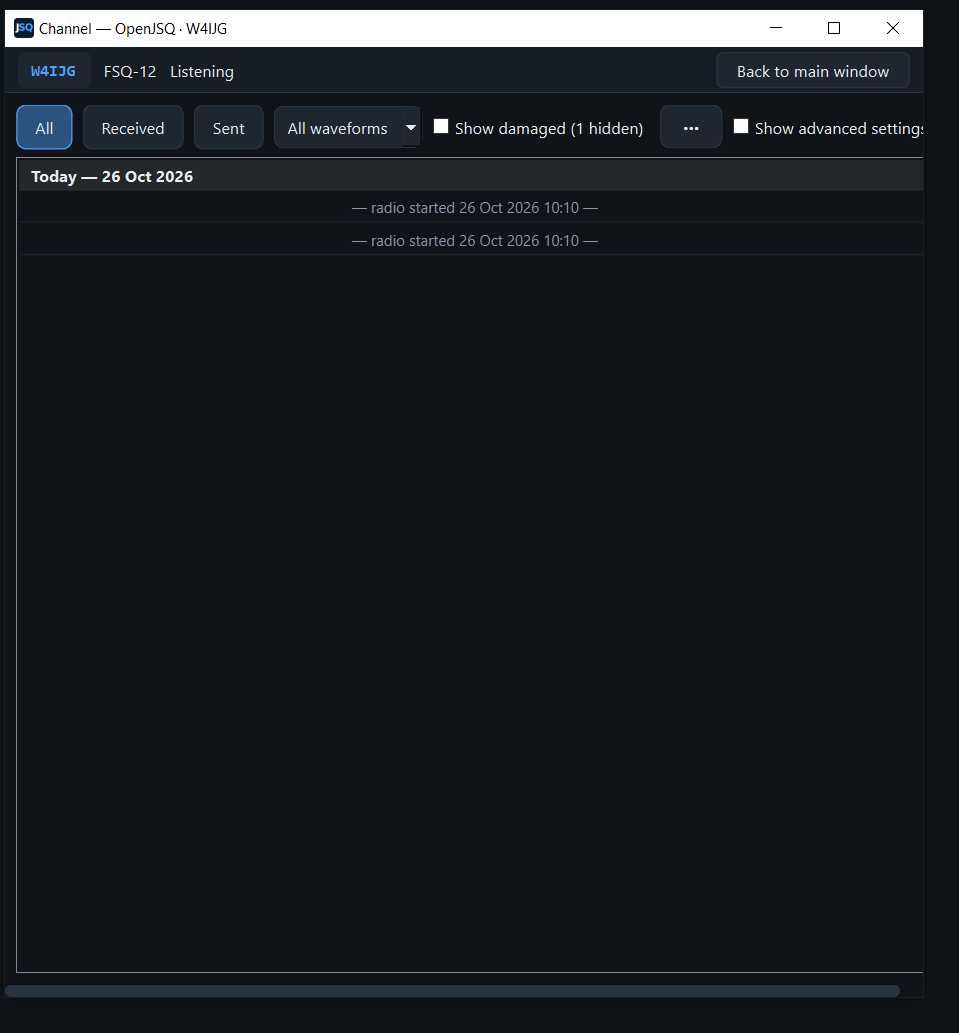
Check who hears the net
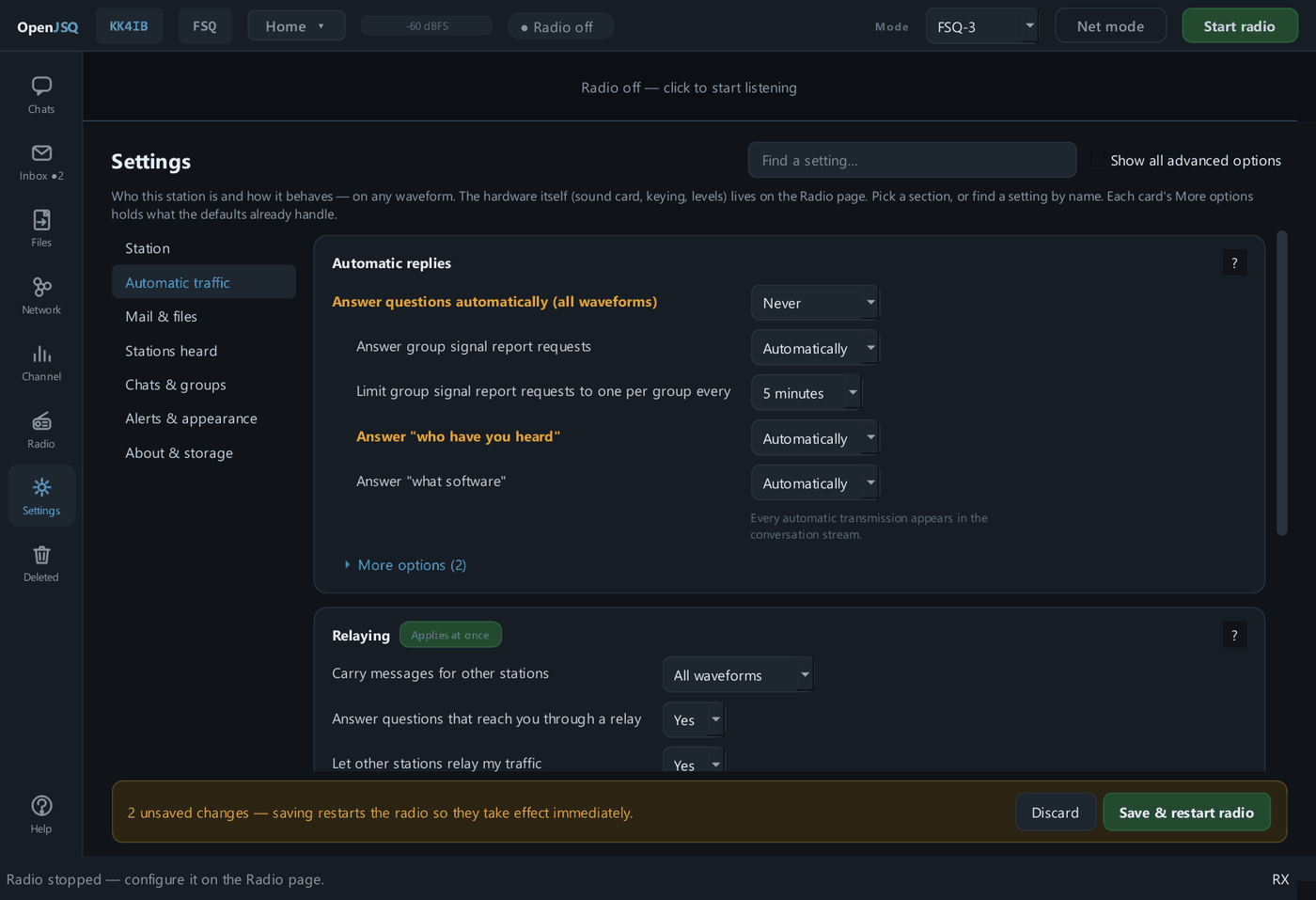
In the group’s Actions menu, choose Ask for a signal report. Stations that permit group answers reply after staggered delays, and the answers appear in the group conversation. Requests are rate-limited—once per group every five minutes by default.
Group traffic is broadcast and always Live: it does not prove every member received the message. Group conversations do not offer file attachments; send or retrieve files directly with a capable station. Group controls in the operator guide →
Keep a directed net quiet.
Turn on Net mode in the top bar to hold automatic traffic on every waveform while leaving messages you deliberately type and send available. Presence announcements, automatic answers, mail delivery, file traffic, and chat acknowledgements wait. Turn it off when the net ends; it also resets off when the app restarts.
Other stations may retry while acknowledgements are held. Use Ctrl + Space for Stop TX when a transmission must stop. Net mode and transmit controls →
ICS-213 · from the keyboard to the paper copy
Compose. Exchange. Print.
A structured message at your keyboard. A readable form at the other station, ready to keep or print.
Fill in the sheet.
In Chats, choose Actions → Send an ICS-213 form…. Enter To, From, Subject, Message, and Signature. OpenJSQ adds the date and time in UTC.
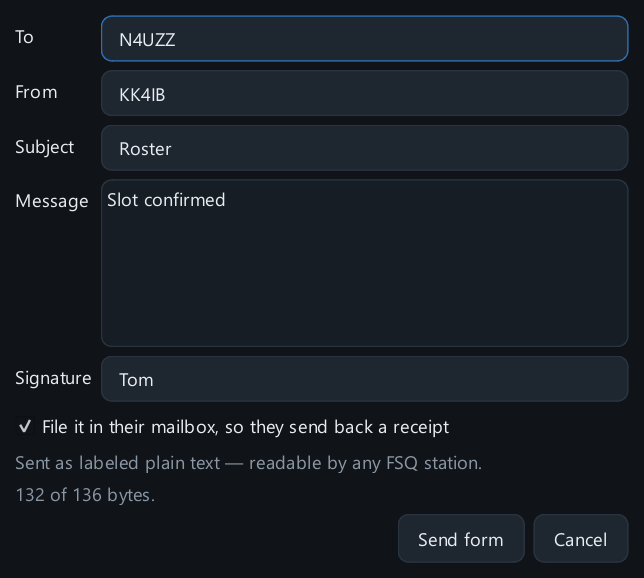
Review, then transmit.
For a short form, Send form prepares the message in Chats. Check the destination and route, then press Enter to transmit.
Prepared in Chats review Enter
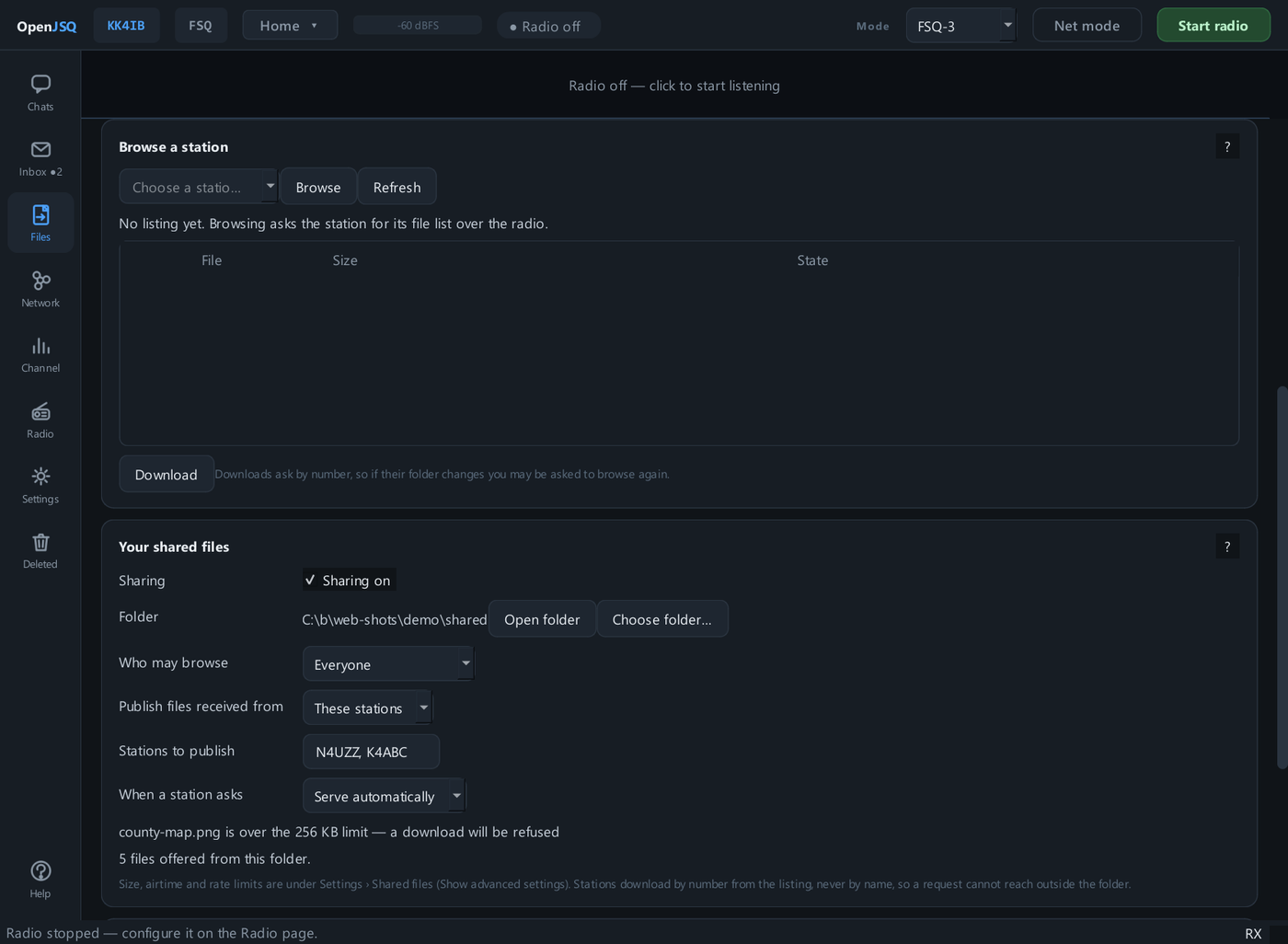
A longer direct form travels through the file service. Track it on Files; the receiving station still opens it as a form.
Receive it as a form.
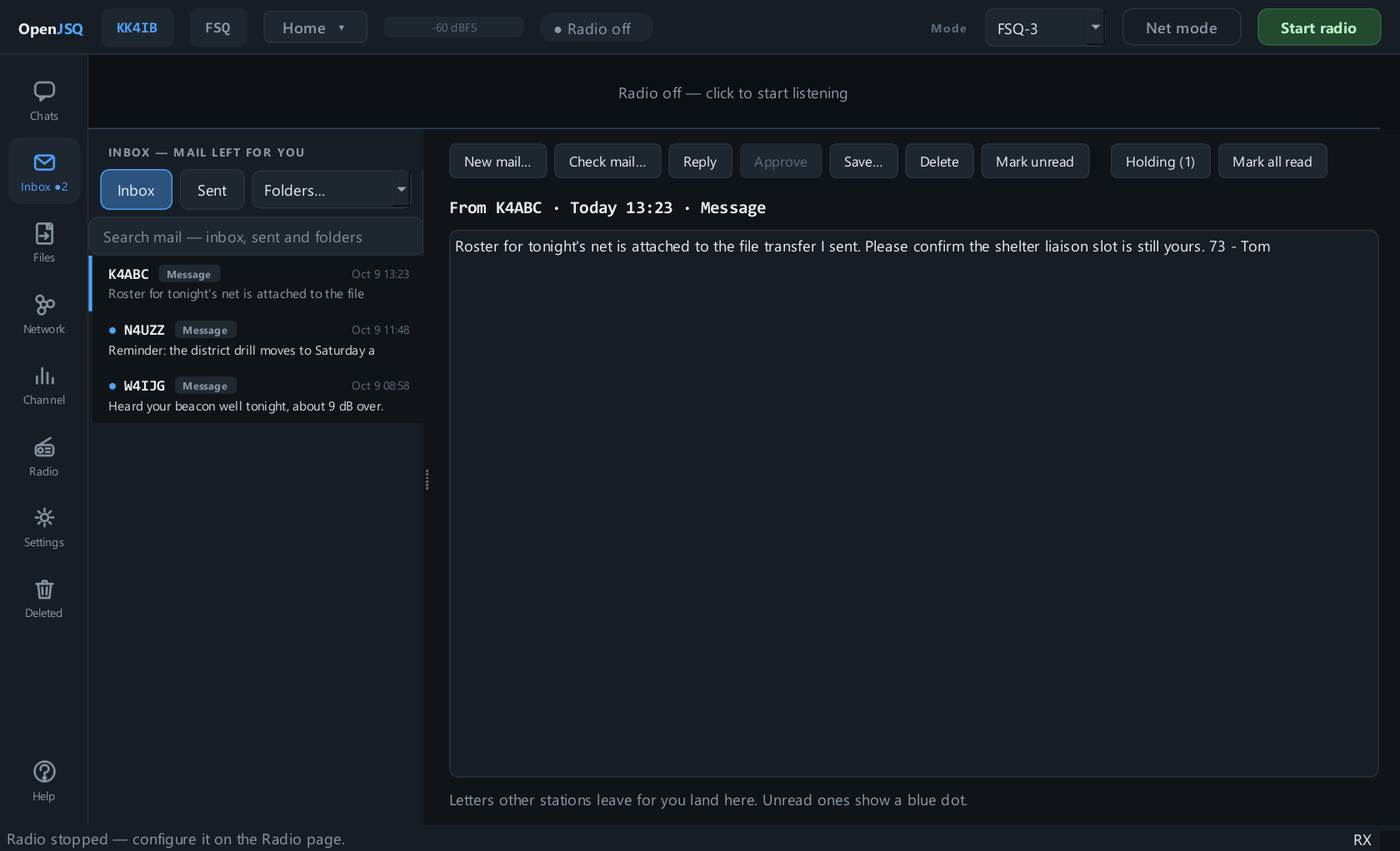
The recipient opens the form in the conversation or Inbox, then uses its controls to print it or save it as PDF or text.
- To
- N4UZZ
- From
- KK4IB
- Subject
- Roster
- Signed
- Tom
The mailbox option asks for a filing receipt; it does not confirm a human has read the form. Form controls in the operator guide →
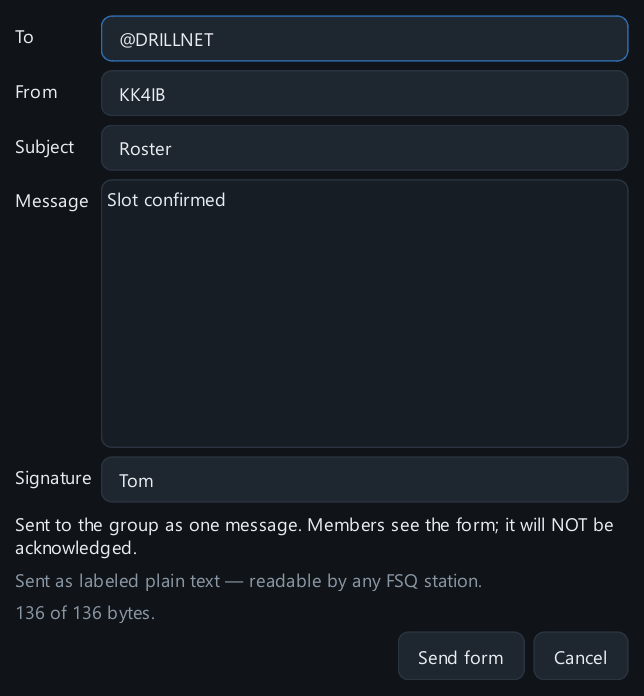
Sending a form to a group?
One form for the net.
Open the group conversation and choose the same ICS-213 action. The form goes as one Live group message, with no mailbox filing or acknowledgements.
Keep it within the displayed group-message limit. If it is too long, shorten it or send it directly to individual stations. Forms cannot be sent to Allcall.